AI 사진2026년 9월 3일· 2분 읽기
내 사진으로 몬치치를 만들어보자!
제미나이 이미지 만들기에 사진과 프롬프트를 넣어 내 얼굴을 닮은 몬치치 스타일 봉제인형 제품 사진을 흰 배경으로 만드는 방법이에요.
제미나이(나노바나나 프로)에서 원하시는 사진과 아래 프롬프트를 넣고 제작하시면 됩니다.
이미지 만들기 클릭 → 사고모드
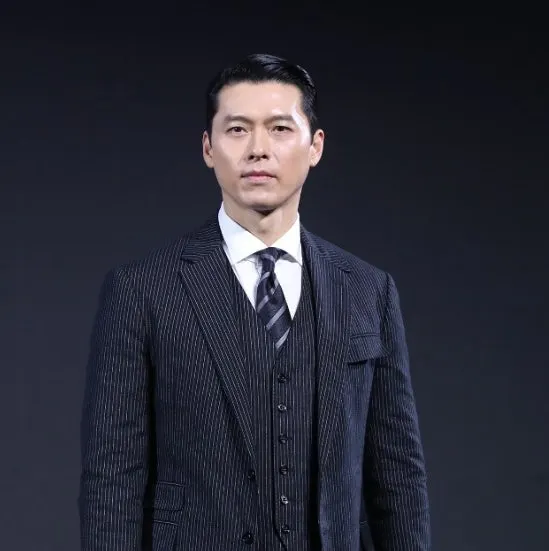

Use the uploaded photo as the exact facial reference.
Create a Monchhichi-inspired plush doll based on the person in the photo.
Rules:
The doll must resemble the person in the uploaded photo (facial structure, eyes, nose, mouth, expression).
Transform the person into a cute, retro Japanese plush doll style:
Soft, fluffy fur texture
Round face and chubby cheeks
Large glossy eyes
Small nose and mouth
Toy-like proportions (similar to a plush doll)
Keep the hairstyle and overall vibe recognizable, simplified into a toy form.
The result must look like a real physical plush doll, not an illustration or cartoon.
Studio-quality product photography style.
Background:
Clean pure white background (#FFFFFF)
No patterns, no props, no text
No environment or scenery
Doll only, centered in the frame
Lighting & Quality:
Soft studio lighting
High detail, sharp focus
Clean edges
No watermark, no logo
Ultra high-quality plush fabric details
Professional toy photography style
Perfect cutout edges for PNG transparency