디자인2026년 9월 3일· 2분 읽기
제미나이 활용해서 명함 AI로 제작하기
명함 원본 파일에서 디자인을 골라 제미나이에 올리고 프롬프트로 내 정보만 바꿔 넣는 방법이에요. 펜으로 영역을 표시해 로고를 교체하는 법도 있어요.
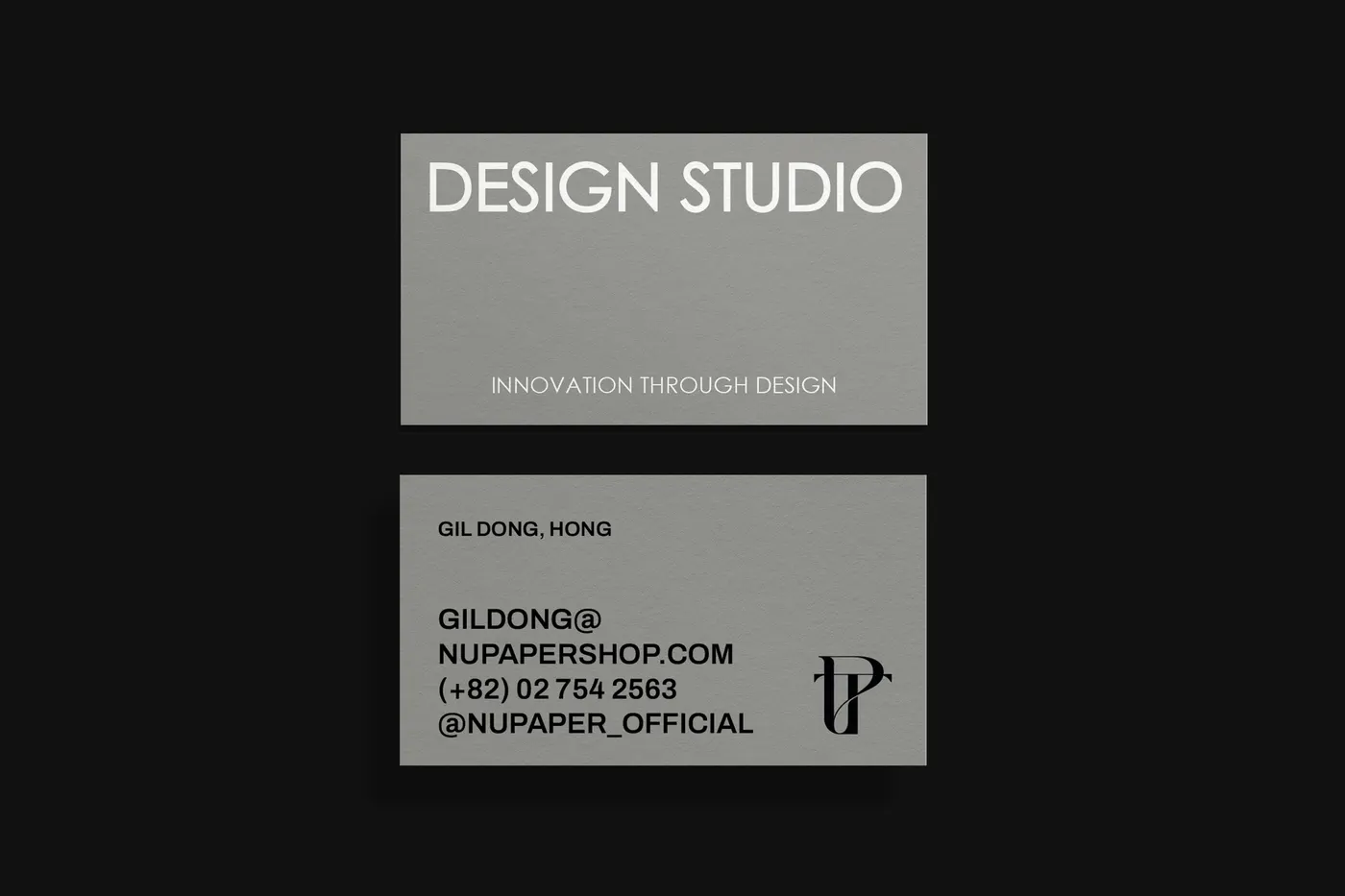
위 명함 원본 파일을 다운받고 원하는 디자인 선택
제미나이로 가져가서 이미지 업로드
아래 프롬프트 내 하단부에 내 정보로 변경 후 삽입
*템플릿 명함과 비슷한 구성으로 작성하셔야합니다.
로고를 넣고 싶다면?
제작된 명함을 제미나이에 한번 더 업로드합니다.
'채팅창'에서 업로드한 명함 이미지를 누릅니다.
삭제할 로고 영역 펜으로 그려서 위치 표시해줍니다.
내 로고 1장 더 업로드한 뒤 변경해달라고 요청하세요!
REFERENCE IMAGE LOCK — BUSINESS CARD EDIT
The uploaded image is an existing business card design.
DO NOT redesign, rearrange, or restyle the card.
STRICTLY preserve:
layout
typography style
font weight
font size
alignment
spacing
colors
background
graphic elements
This task is TEXT REPLACEMENT ONLY.
Replace all existing personal information with the following:
Name: 무드모드
Title: 대표이사
Company: MOODMODE
Phone: +82 10 2222 3333
Tel: +82 02 222 3333
Email: moodmode@gmail.com
Address: 인천광역시 서구 봉수대로 806
All text must fit naturally within the original design.
Do NOT add new elements.
Do NOT remove any elements.
No creative interpretation.
High-resolution, print-ready result.